From the archive Oct 2013
SceneJS Pick-Fly-Orbit Camera
An original article from the xeolabs archive. Examples and external tools reflect the time of writing.
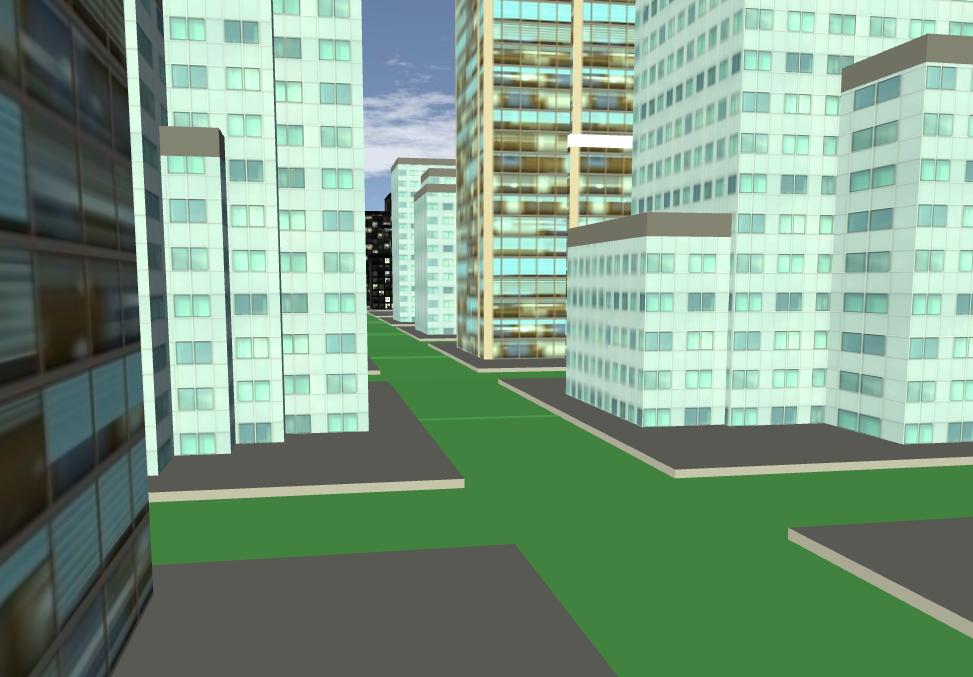
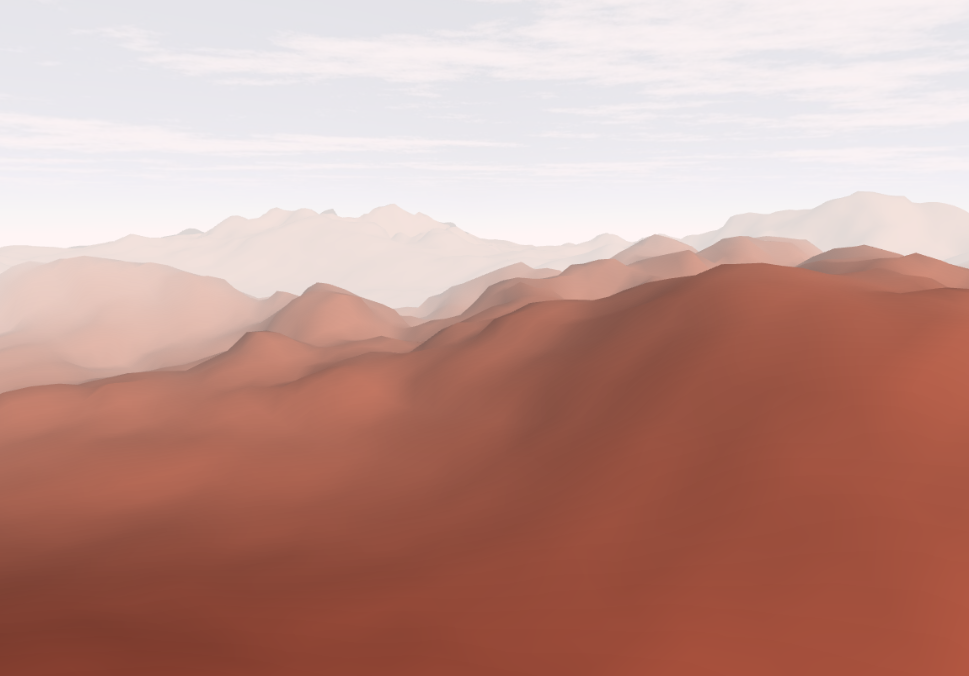
The folks over at BIMSurfer.org needed a camera that flies to and orbits whatever you click on, so I made a plugin.
Try a couple of demos:
Usage
The plugin provides a new scene node type and gets loaded as you need it. So assuming that you've pointed SceneJS to where you keep your plugins:
SceneJS.setConfigs({
    pluginPath: "./foo/myPluginsDir"
});
Then just wrap the node around your scene:
SceneJS.createScene({
    nodes:[
        {
            type:"cameras/pickFlyOrbit",
            look:{ x: 0, y:150, z: 0 },
            yaw:-40,
            pitch:-20,
            zoom:800,
            zoomSensitivity:-20.0,
            showCursor: true,
            cursorSize:6.0,

            nodes:[
                {
                    type:"objects/buildings/city",
                    width:600
                }
            ]
        }
    ]
});
And then everything's pick-fly-orbitable.
The node's properties are:
look- initial point-of-interest (POI) in World-coordinatesyaw,pitch- initial degrees of rotation of eye position about POI on Y and X axis, respectivelyzoom- initial distance of eye from POIzoomSensitivity- sensivity of mouse wheel when updating zoom. The sign of this determines which direction the wheel drives the zoom.showCursor- set true to show the POI with a spherecursorSize- radius of the cursor sphere
Making scene objects unpickable
See how you can't pick the sky in the live demos above? That's a good thing, because otherwise you'd be able to orbit a point on the skybox, which would be rather a Truman Show moment!
Learn how to make objects unpickable in this API example.
Read More
